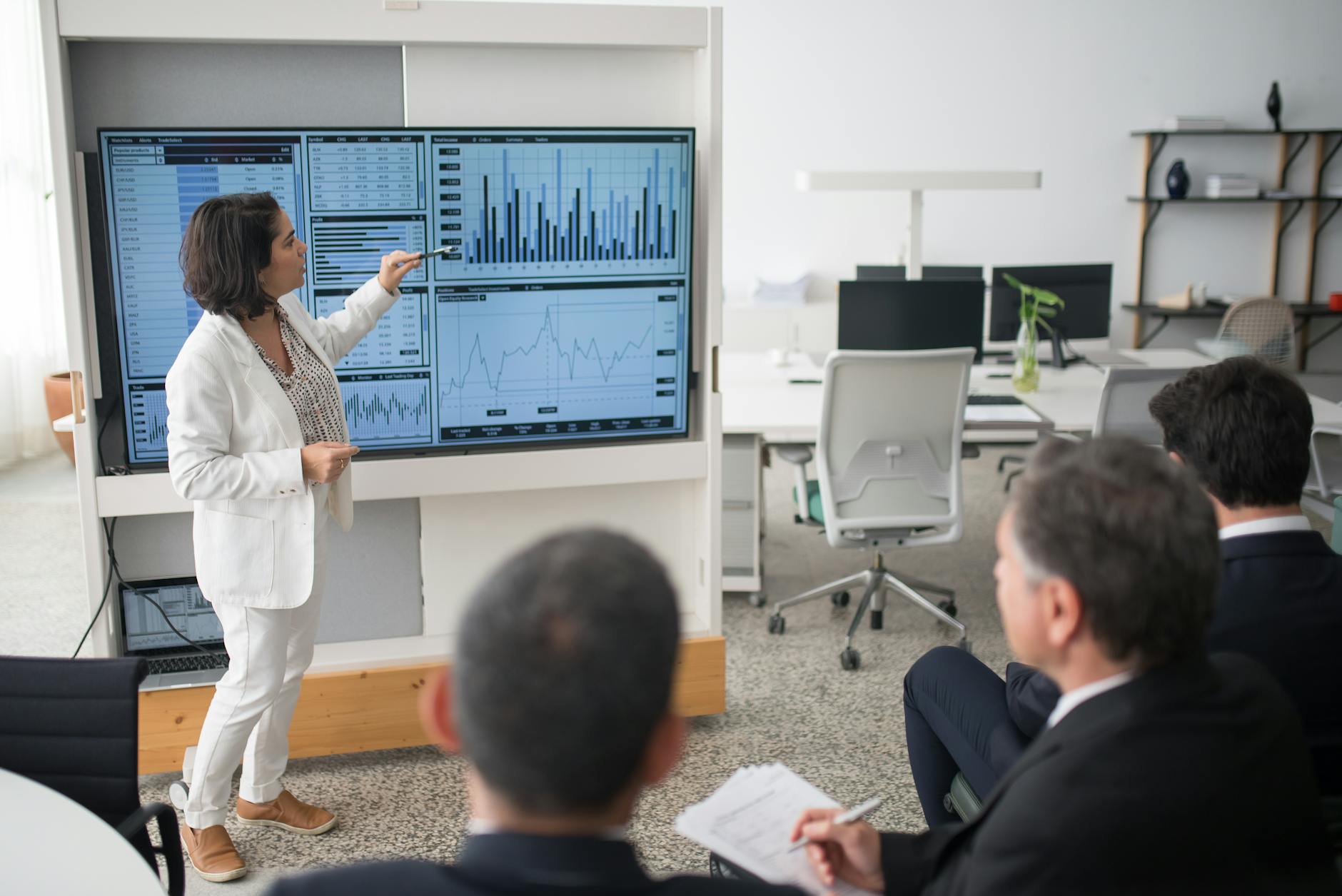
Embracing AI at Work: Train, Support, Transform
The adoption of AI in the workplace relies less on technology than on training. Employees legitimize a tool when they understand its usefulness. This article shows how to integrate AI into daily life without leaving anyone behind.


The adoption of AI in the workplace relies less on technology than on training. Employees legitimize a tool when they understand its usefulness. This article shows how to integrate AI into daily life without leaving anyone behind.
AI at work cannot be imposed: it must be learned. Sustainable adoption relies on AI understood by everyone, a useful daily assistant, and gradual support integrated into business workflows.
- Basic concepts and prerequisites
- Building an AI training program at work
- Integrating an AI assistant into daily work
- Managing change and adoption
- Measuring the impact on productivity
- Common mistakes to avoid
- Best practices
- Conclusion and next steps
Basic concepts and prerequisites
AI at work is not an extension of existing tools: it is a new way of working. First, it is essential to distinguish two concepts often confused: generative AI, which produces text, code, or images from questions, and augmentative AI, which automates repetitive tasks within internal processes.
A second pitfall is “transparency”: an open model does not guarantee security. On an internal server, the assistant masks data from the cloud provider. The question is therefore no longer “is it compliant?” but “who has access to what, and when?”.
Teams led by HR and training make this choice: the tool becomes a work partner. Without this, AI remains a promising but useless tool.
Building an AI training program at work
AI training at work is built on three levels. The first level, AI literacy, shows how to interact without writing technical prompts. The second, contextualized AI, adapts the tool to the job role. The third, critical AI, evaluates generated biases.
AI literacy: understanding to use
The first step does not require expertise in machine learning. It is necessary to teach employees that AI is a synthesis tool, never a source of truth. A document written by the assistant is a draft, not a final statement.
A typical workshop lasts one hour. It begins with a concrete exercise: extracting key ideas from an existing report. Then, participants compare their summaries with those produced by AI. The difference reveals the model’s limitations: it can tell a plausible story without any foundation.
This distinction is crucial in regulated sectors. In healthcare or finance, responsibility lies with the human. AI can rephrase a consent form, but it is the professional who approves the final version.
Contextualized AI: adapting to one’s role
A developer does not use AI the same way as a salesperson. A training program personalizes the tool according to business needs. For a developer, the assistant helps review code or comment an API. For a customer service representative, it rephrases a complex response in clear language.
Workshops must include concrete cases. For example, an administrative manager learns to ask AI to structure a follow-up email. They test the response, correct it, and integrate it into their email templates. This iterative process transforms a tool into a habit.
Training must include a feedback phase. A small group shares its first results, discusses failures, and adjusts its prompts. This collective sharing is a powerful lever for adoption.
Critical AI: evaluating generated biases
The third dimension is often overlooked. Any generative output contains biases: cultural, sector-specific, or related to the model’s training data. Critical AI training teaches employees how to identify them.
In a summary, the model may favor certain voices or ignore other data. Training should teach cross-referencing multiple sources. For example, if AI summarizes an article, the employee verifies the original article, identifies omitted points, and relaunches the assistant with stricter instructions.
In a transnational working group, this critical thinking is essential. An assistant trained on English-language data may include culturally inappropriate references. This is why training must include modules on source diversity and adaptation to local context.
Integrating an AI assistant into daily work
An AI assistant at work is not implemented through a global deployment. It is integrated through use cases. A simple first step: rephrasing a complicated email. An employee asks AI to summarize a long message. The assistant produces a concise version. The employee reviews it, adjusts it, and keeps the final version.
This integration must respect a rhythm. The assistant is a productivity support tool, never a substitute for the existing process. In a customer service team, AI can propose standard responses. But it is the advisor who decides whether or not to send the message.
In regulated teams, such as finance or healthcare, the AI assistant can draft a document. An expert validates the final version. This double-check is a productivity barrier but a quality guarantee.
Linking the assistant to existing workflows
An AI assistant at work must integrate into the employee’s environment. If the tool requires a separate opening, the employee loses time. The assistant must integrate into the daily tool: email, CRM, or project management tool.
In a CRM, the assistant can summarize a client’s history in one sentence. A salesperson uses this sentence to start a call. This saves about ten minutes per day. Over a month, it is more than two hours recovered per employee.
These gains accumulate. A developer who uses AI to review their code gains review time. An executive assistant who asks AI to structure meeting points gains clarity in decision-making.
The challenge is to measure these gains without intrusion. A simple tracking method, such as a suggestion box, allows collecting emerging uses. The training manager then adjusts workshops to include them.
Managing change and adoption
AI adoption at work is a change management challenge. Employees legitimize a tool when they understand its usefulness. A change requires a clear roadmap and a shared vocabulary.
In a small company, a manager can decide on adoption at scale. But employees must understand why it changes their daily routine. An introduction workshop shows a concrete case: extracting information from a long report. AI responds in 20 seconds. The employee immediately sees the value.
Change is driven by ambassadors. These employees, curious and confident, test the tool and share their feedback. Their voice carries more weight than that of the communication department. An ambassador says “I was afraid too”, which reassures.
A monitoring system helps identify resistances. An employee may fear that AI will replace their job. The answer must be clear: AI automates repetitive tasks, never human decisions. A customer service representative keeps their empathy.
Identifying and defusing resistance to change
Resistance is natural. An employee may wonder if AI will replace their expertise. The answer lies in transparency. Show an example of code written by AI, then explain that the expert must correct the logic. It is the employee who becomes indispensable to the tool, not the other way around.
In an administrative service, resistance may be linked to workload. The message must be: AI relieves you from tedious tasks. A monthly report can be written faster, leaving more time for strategic analysis.
A listening workshop allows collecting fears. An employee may fear not keeping up. The response must be reassuring: training adapts to each level.
Measuring the impact on productivity
Measuring the impact of AI at work requires key indicators. A first indicator is time savings: an employee saves 30 minutes per day on a repetitive task. Over a month, it is more than 12 hours recovered. A second indicator is employee satisfaction: a useful tool is an adopted tool.
In a service center, AI can summarize incoming calls. An agent saves 20 minutes of writing. But if the assistant poorly reformulates a message, the client complains. Double-checking is essential.
Productivity is not measured only in numbers. In a medical service, an AI assistant can help with documentation. But the quality of a diagnosis remains a human process. AI is a support for precision, never a substitute.
A weekly review allows adjusting the system. An employee can share a tip, another can report an issue. This feedback loop is crucial for adoption.
Common mistakes to avoid
When training on AI at work, several mistakes are common.
- Forgetting continuous training: a single workshop is not enough. AI evolves quickly. An iterative training is necessary.
- Ignoring context: a generic prompt can fail. The assistant must be adapted to the employee’s business vocabulary.
- Neglecting compliance: a sensitive document should never be pasted into a public assistant. The tool must be private and traceable.
- Underestimating resistance: an employee frightened by technology rejects the tool. Training must reassure about usage.
- Poorly measuring impact: a 30-minute daily gain counts, but so does improved work quality. Measurement must be comprehensive.
Best practices
To structure an effective strategy, here are key best practices:
- Start small: launch support on a simple use case to validate its usefulness for the employee.
- Integrate continuous training: schedule regular workshops to track skill evolution.
- Adopt a governance framework: define usage rules for sensitive data and decisions.
- Involve ambassadors: identify early adopters to drive change.
- Cross-reference feedback: compare uses to identify emerging best practices.
Conclusion and next steps
AI adoption at work relies on a human lever. Training, change management, and productivity are structured around a single pillar: integration into employees’ daily lives. A useful tool is an adopted tool.
We saw that AI training at work must be progressive and accessible. It begins with tool education, then with the integration of personal assistants. Change management is crucial to defuse resistance and encourage experimentation.
In regulated sectors, compliance takes priority. A sensitive document should never be pasted into a public assistant. On an internal server, the employee becomes the guarantor of quality and regulation.
Best practices show that success goes through a maturity assessment and a clear roadmap. Progressive support, through use cases, allows measuring real benefits. This action framework is what differentiates an ephemeral project from a durable change.
Frequently asked questions
Is AI at work difficult for employees to learn?
No. Generative AI responds to a question asked in natural language. An employee can ask the assistant to summarize a report without technical knowledge. The difficulty lies in the ability to formulate a clear question and evaluate the response.
How to measure the impact of an AI assistant on productivity?
Through concrete indicators: time saved on a repetitive task, reduction in data entry errors, and employee satisfaction. A simple tracking method, such as a dashboard, allows collecting uses and adjusting the system.
Actionable tips
- Launch a one-hour pilot workshop on a simple business use case.
- Define a common vocabulary for prompts.
- Establish a weekly feedback loop.
- Use a private assistant, never a public model, for sensitive documents.
- Create a group of ambassadors to drive change.
Key takeaways
| Key element | Description |
|---|---|
| Training | Progressive, accessible, and continuous. |
| AI assistant | Integrated into daily work, never imposed. |
| Change management | Based on trust and transparency. |
| Measurement | Time saved, satisfaction, and quality. |
| Compliance | Top priority for sensitive documents. |
Sources and references
- National Commission for Information and Liberties (CNIL). Insights on artificial intelligence. Consulted in July 2024.
- France Artificial Intelligence. Roadmap for AI at work. 2023.
- Organisation for Economic Co-operation and Development (OECD). AI at the heart of work: challenges and best practices. 2023.
Automate your business with DATALIA: DATALIA →