7 Use Cases for Data Workflow Automation
Discover how data workflow automation optimizes business processes, reduces errors, and frees up time for teams. Concrete examples by industry.

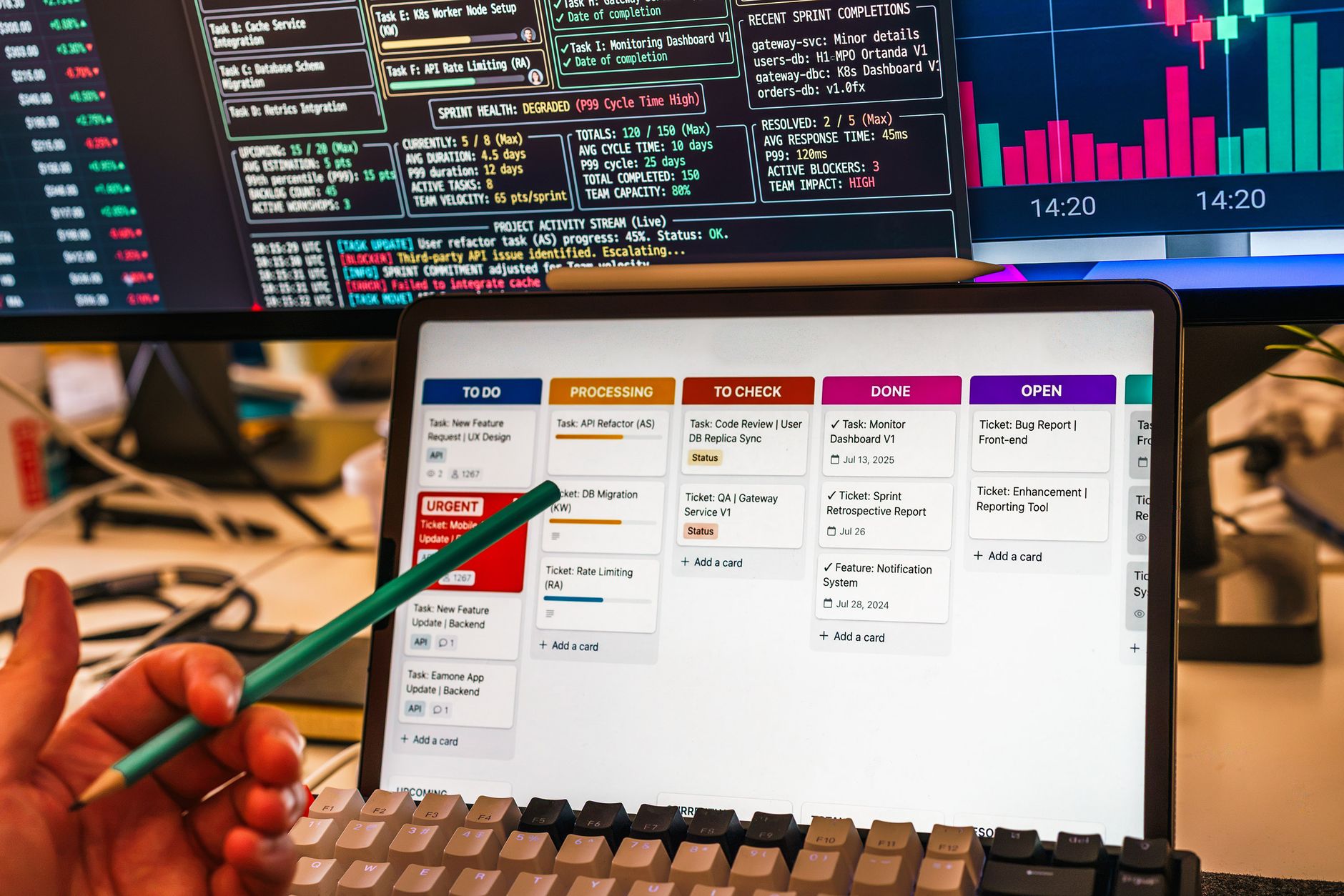
Discover how data workflow automation optimizes business processes, reduces errors, and frees up time for teams. Concrete examples by industry.
Data workflow automation covers 7 major use cases: cross-system synchronization, data entry validation, report generation, document archiving, anomaly alerts, customer scoring, and internal database updates. Each case targets a repetitive process driven by data.
Use Case 1 — Automatic Synchronization Between Heterogeneous Systems
In a setup where a CRM, ERP, and billing tool coexist, customer data is entered three times, with a risk of inconsistency at each step. Data workflow automation creates a flow that transmits information from one system to another upon validation, without re-entry.
Who is it for: Operational managers whose teams use multiple tools without native integration.
When it's not suitable: When systems lack open APIs, or when data is deeply embedded in locked formats.
Concrete Implementation
- Map data flows between tools;
- Identify a single entry point for each data item;
- Configure a workflow engine that listens to events (creation, modification, deletion);
- Define validation rules before synchronization.
In the case of a French real estate agency, one linked its CRM to an accounting ERP via an automated workflow. Each new lease triggers the creation of an accounting file, an invoice, and a real-time dashboard update.
Benefit: 40% reduction in time spent on data entry, according to a similar deployment carried out by DATALIA for a client in the sector.
Use Case 2 — Continuous Data Validation and Cleaning
When a company collects customer data via a website, chatbot, or mobile form, quality varies across channels. A misspelled email address or an invalid postal code can block an entire campaign.
An automated workflow listens to each input, compares it against predefined rules, and corrects or rejects it in real time. The data is then enriched through external APIs (geocoding, normalization).
Who is it for: CFOs or financial controllers who must ensure data quality before any reporting.
When it's not suitable: When validation rules change frequently and cannot be stably coded.
Example: A restaurant group automated the validation of online reservations. Each reservation is verified (email, phone, menu selected) before being added to the restaurant's schedule. Anomalies are reported to a human manager.
Use Case 3 — Automatic Generation of Operational Reports
Teams often spend hours producing dashboards from fragmented data. An automated workflow extracts, aggregates, and formats this data according to a set schedule, then sends it to stakeholders.
The report can be generated as a PDF, email, or integrated into a BI tool. Formatting and distribution rules are coded once, then re-executed daily or weekly.
Who is it for: Operational managers who need visibility without handling raw data.
When it's not suitable: When the report must include contextual analysis or rare exceptions not covered by automated logic.
Use Case 4 — Intelligent Document Archiving and Indexing
In departments receiving various documents (invoices, contracts, letters), manual archiving is error-prone. An automated data workflow receives the document, classifies it, indexes it, and stores it according to business rules.
Classification often relies on optical character recognition (OCR) combined with an embedded classifier. Once indexed, the document is retrievable via keywords or semantic search.
Who is it for: Legal, accounting, or administrative departments overwhelmed by supporting documents.
When it's not suitable: When legislation requires human storage or systematic manual review.
Use Case 5 — Anomaly Detection and Proactive Alerts
In production or management processes, some values deviate from the norm without being immediately visible. A data workflow compares each input against historical or statistical thresholds and triggers an alert when a drift appears.
Example: An industrial site monitors the maintenance temperature of a machine. A deviation of more than 10% from the moving average triggers an alert to the maintenance manager.
Who is it for: Quality managers, CIOs, or controllers who must anticipate deviations before they impact production.
When it's not suitable: When thresholds are too volatile to be modeled statistically.
Use Case 6 — Customer Scoring and Experience Personalization
Each customer interaction (website, call, email) generates exploitable data. An automated workflow compiles these signals, weights them, and assigns a score to each customer or prospect. This score then feeds a personalization system (targeted email, specific offer, priority).
Scoring can be regenerated in real time whenever a new interaction is detected, allowing the experience to be adjusted mid-journey.
Who is it for: Marketing, customer service, or e-commerce teams looking to personalize at scale.
When it's not suitable: When personalization must remain manual for relational or human reasons.
Use Case 7 — Internal Database Updates
When data comes from external sources (suppliers, partners, public APIs), it must be regularly integrated into internal databases. A data workflow schedules these updates, manages conflicts, and ensures consistency.
Example: A recruitment firm updates candidate profiles daily via an API from external sources. New data is merged with existing profiles, duplicates are detected, and outdated fields are archived.
Who is it for: Technical teams or data managers responsible for database consistency.
When it's not suitable: When external sources are unstable or unreliable.
How to Choose the Right Use Case for Your Organization?
Many SME leaders and operational managers wonder where to start. Data workflow automation can apply to many processes, but they don't all offer the same ROI or risk.
Steps to Prioritize Correctly
- List your repetitive tasks. Note those involving data exchange between two or more systems. This is often where automation brings the most value.
- Quantify time lost. How many hours per week do your teams spend on an automatable task? A simple calculation: (time × average salary) × 52 = annual cost of waste.
- Identify business pain points. Which processes lead to customer complaints, errors, or delays? These are priorities.
- Start small. An automated workflow on a limited process (e.g., CRM ↔ ERP synchronization) validates the approach before scaling.
- Plan for follow-up. A poorly monitored workflow drifts. Integrate metrics (number of successful validations, error rate, time saved) from the start.
Why a preliminary audit is essential: Without precisely mapping existing data flows, automation can amplify errors instead of correcting them. An audit identifies silos, inconsistencies, and bottlenecks before applying the solution.
Selection Table: Which Use Case for Which Business Profile?
| Use Case | Concerned Profile | Main Benefit | Main Risk |
|---|---|---|---|
| Cross-system synchronization | IT / IT Manager | Eliminates double entry | Integration complexity |
| Data validation | CFO / Quality | Improves reliability | Poorly defined rules |
| Report generation | Operations Manager | Saves time | Outdated formats |
| Document archiving | Legal / Admin | Reduces losses | OCR cost |
| Anomaly detection | CISO / Quality | Anticipates incidents | False positives |
| Customer scoring | Marketing / Customer Service | Personalizes experience | Bias risk |
| Database updates | Data Manager / Technical | Maintains consistency | Source dependency |
Checklist: Evaluate Your First Data Workflow Automation
Use this checklist to validate that a use case is ready to be automated:
- Is the process executed more than 3 times per week by at least one person?
- Does the data flow involve at least two different systems or formats?
- Are the business rules clearly defined (conditions, thresholds, formats)?
- Is there a human checkpoint for exception cases?
- Are the source and final recipient of the data identified and stable?
If three or more answers are affirmative, the use case is a good candidate for automation.
Main Mistakes to Avoid During Implementation
Mistake 1 — Automating a Poorly Understood Process
Automating a process you don't master leads to amplifying errors. Map it first, validate it with users, then automate.
Mistake 2 — Forgetting Exceptions
An automated workflow may not cover special cases. Include a mechanism to escalate to a human for unforeseen situations.
Mistake 3 — Ignoring Traceability
In a GDPR context, every processed data item must be traceable. A data workflow must log who did what, when, and why.
Mistake 4 — Overloading from the Start
Automating too many processes at once complicates deployment. Start with one case, measure the impact, then iterate.
Data Compliance and Security in Automated Workflows
In a previous article, DATALIA emphasized that data automation cannot ignore GDPR or the AI Act. Here's what to keep in mind:
- Consent must be obtained if personal data is collected through the workflow.
- Sensitive data (health, finance) requires limited and secure processing.
- Data hosting must remain GDPR-compliant, ideally within the EU.
- Audit logs allow demonstrating compliance during inspections.
Limiting Automation Costs: How to Avoid Budget Overruns
Integrator quotes can mask additional costs such as:
- Recovering existing data;
- Specific connectors for a software;
- Team training on the tool;
- Maintenance and ongoing updates.
A total cost model must include these items, especially when automating data workflows interconnecting multiple systems.
Conclusion: Transforming Data into Action, Without Unnecessary Complexity
Data workflow automation is not an end in itself. It serves an objective: transform repetitive operations into reliable, traceable, and measurable actions. The seven use cases presented cover the main needs of mid-sized organizations, from inter-system sync to customer scoring, including anomaly detection.
The key to success lies in the method: map flows, quantify time lost, start with a simple case, then measure impact. A progressive approach limits risks and allows workflows to be adjusted over time.
DATALIA supports organizations in defining, integrating, and implementing these automations, combining data sovereignty, GDPR compliance, and operational performance. To learn more, discover how DATALIA can transform your business processes.
Frequently Asked Questions
Can I automate a data workflow without technical skills?
Yes, if you use a low-code workflow platform connected to your existing tools. Rule definition can remain simple, but it is recommended to validate business rules with an expert before deployment.
Is data automation compatible with GDPR?
Yes, provided you obtain clear consent for collected data, limit processing to declared purposes only, and maintain a record of operations performed. An automated workflow must include audit logs to justify each action.
Book your free audit and transform your workflows with DATALIA's sovereign AI: DATALIA →